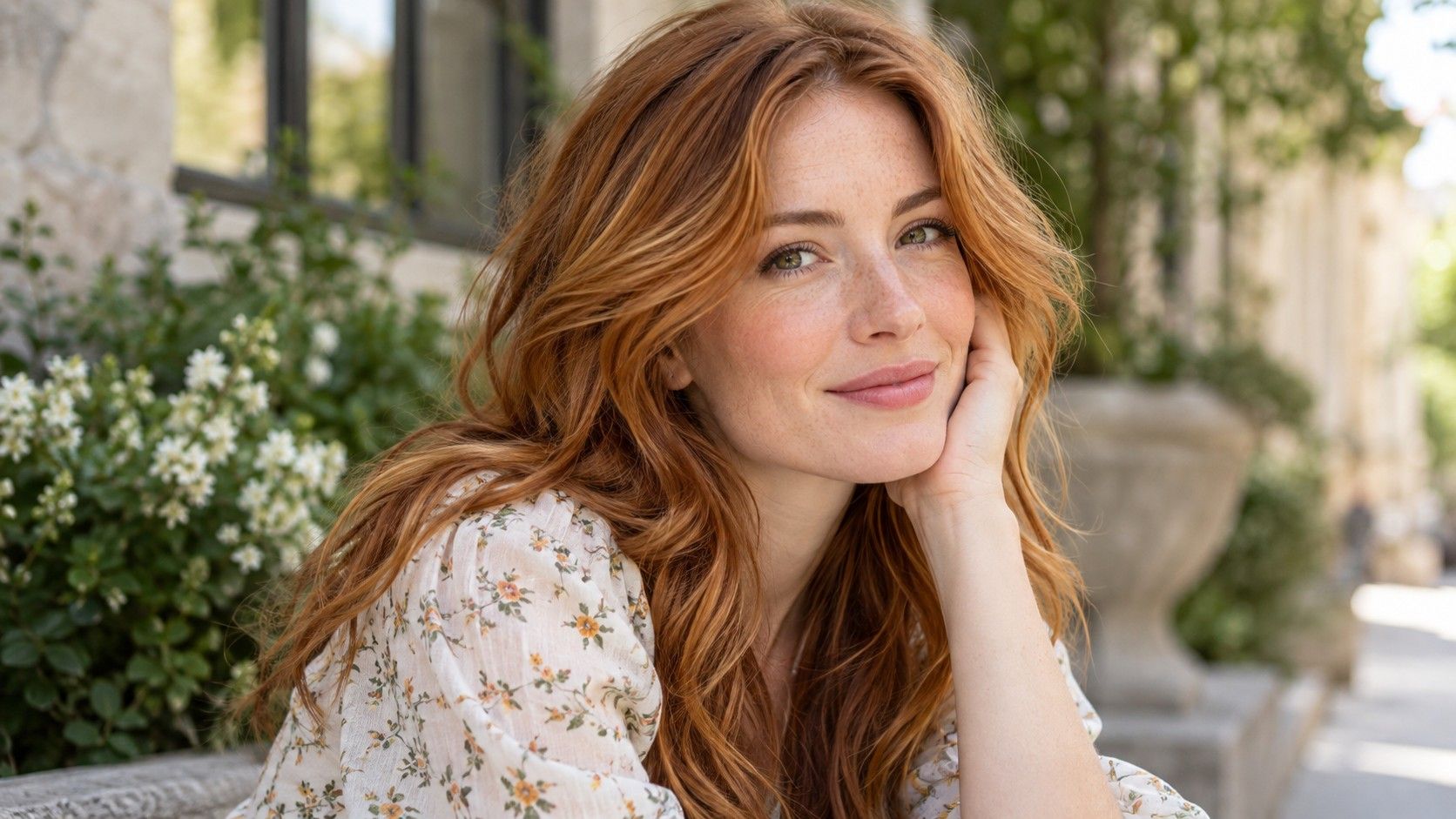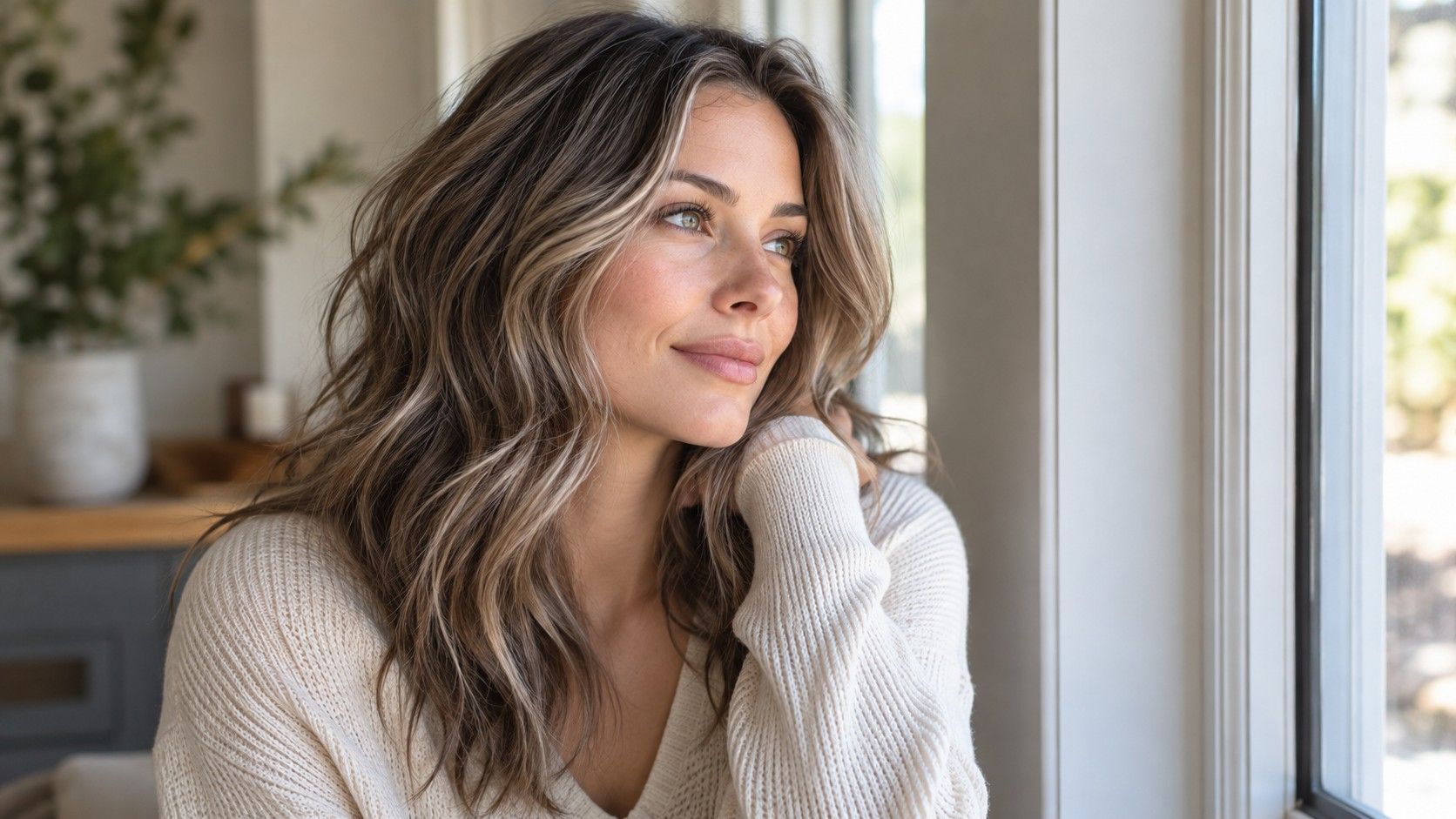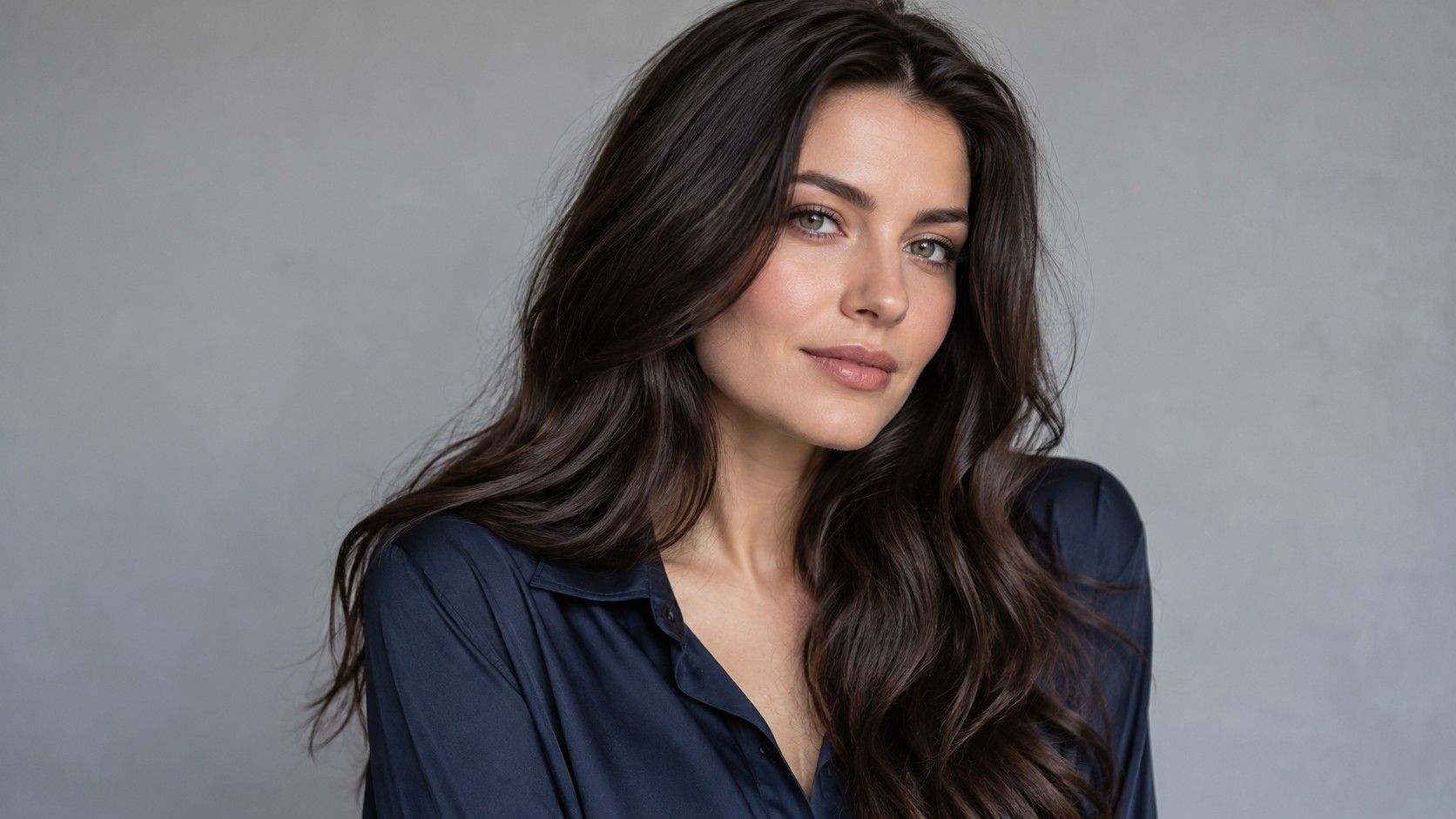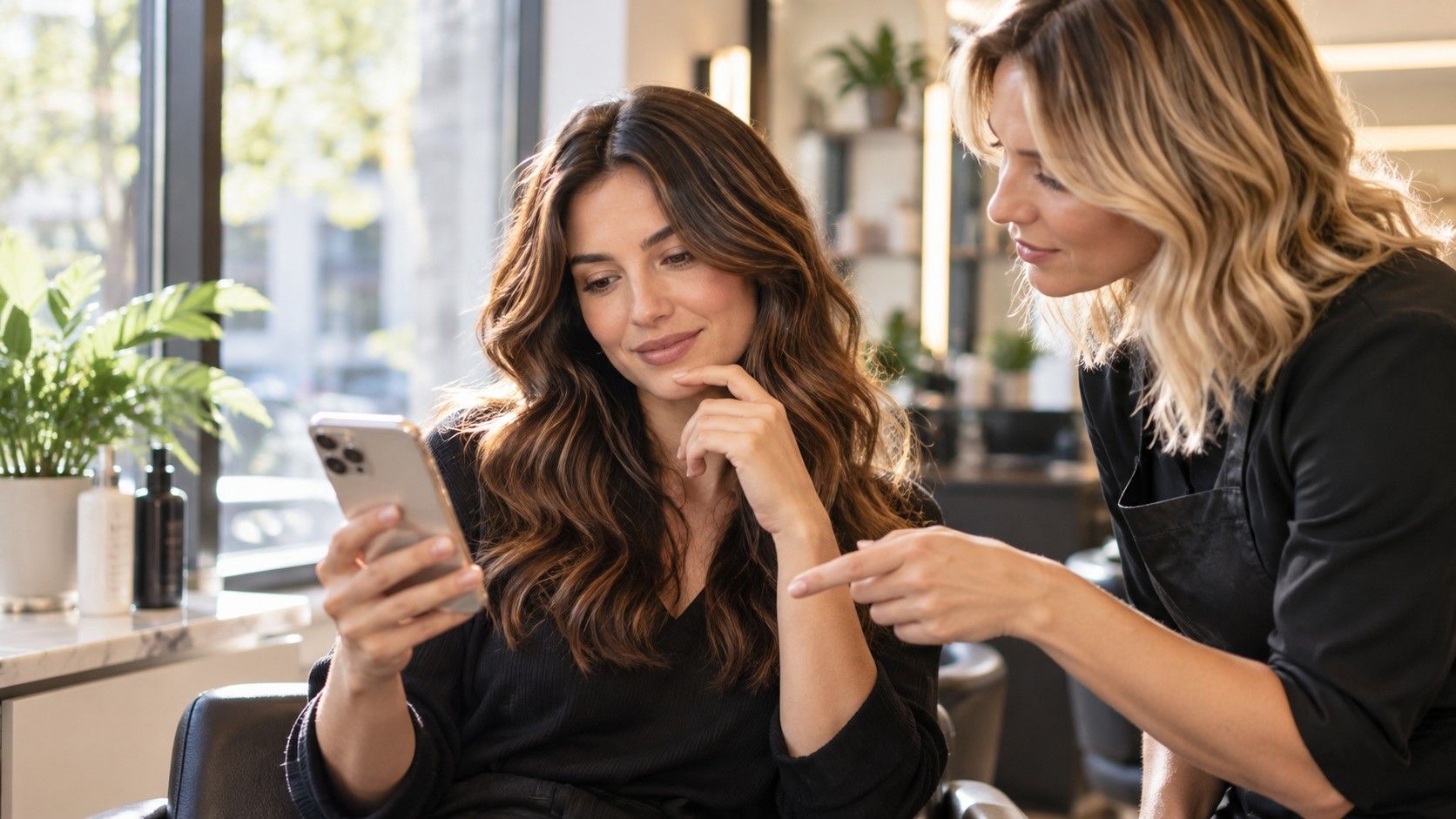
A virtual hair color try-on can answer a useful visual question: would you prefer your hair lighter, deeper, warmer or cooler around your face? It cannot show exactly how dye will behave on your existing hair. Use the preview as a comparison board, with the same photograph and a small number of changes. The most convincing image is not necessarily the most reliable one; clean edges, consistent skin color and visible strand detail matter more than an impressive transformation.
Make one ordinary photograph your control
Choose an image taken in soft, indirect daylight with the whole hairline in view. Keep bright windows out of the background and move away from strongly colored walls. Light bouncing from a red wall or a green curtain can affect both hair and skin. A plain background makes those problems easier to notice without turning your room into a studio.
Wear your hair in a way that exposes its normal shape. If long sections lie over your shoulders, include the ends rather than cropping them out. For curls, keep enough detail to see the spaces and highlights between strands. An image that hides half the hair may still look attractive, but it provides less evidence about an all-over change.
Save an untouched copy and use it for every option. Turning off beauty effects is helpful because smoothing, eye brightening and face reshaping introduce unrelated changes. If you cannot tell whether the camera has applied a filter, compare the picture with the mirror in the same light. You need a believable baseline, not a perfect portrait.
Test depth before browsing every shade name
Begin with three broad depths: close to current, somewhat lighter and somewhat deeper. Keep tone fairly neutral for this first comparison. The labels attached to shade buttons can distract from a more basic preference, such as wanting less contrast at the hairline. A neutral medium brown and a vivid copper of another depth do not isolate that decision.
Look at the face for a moment before studying the hair. Does the overall balance feel comfortable? Are the eyes still noticeable without extra makeup in the image? These are preference checks rather than objective tests of your coloring. You may want a dramatic frame around the face, even when a quieter shade looks more blended.
Once you choose a general depth, compare warmer and cooler versions within it. Save only the candidates that tell you something new. A hair color simulator is easier to use when each comparison answers one question. Moving through dozens of swatches can leave you remembering the order and novelty of the images instead of their actual differences.
Inspect the places where a preview can cheat
Zoom in at the temples, parting, ears and ends. Software must distinguish hair from skin, shadows and background, and the boundary will not always be accurate. A colored patch across an eyebrow or a strip of unchanged hair beside the face can alter your impression of the shade. Treat those areas as rendering errors before judging the color.
Check whether the hair still has believable light and dark areas. Real strands catch light differently depending on their direction. A preview that replaces them with a smooth block may exaggerate the weight of a dark shade. A pale overlay that removes every shadow can make a light option seem airy while hiding the depth that would remain in real hair.
Watch the skin as you switch between images. If the face becomes warmer, brighter or smoother along with the hair, the comparison is no longer controlled. Return to the original and compare small areas of the cheek and forehead. Even a subtle shift can make you attribute a flattering face edit to the hair color.
A result can still be useful with imperfect edges if the central color comparison stays clear. Record that limitation when saving it. There is a difference between saying “I like this cool brown direction” and saying “this picture predicts my finished hair.” The first is a reasonable conclusion; the second asks too much of an overlay.
Compare tools by their output and settings
The best virtual hair color try-on for a particular photograph is the one that preserves enough information to make your comparison meaningful. Check whether it keeps the original face, allows a consistent crop, shows shade names and lets you save candidates. A large shade menu alone does not make the output more accurate.
If you are looking for a virtual hair color try on free of charge, check the actual limits before uploading. Some services may restrict saving or offer additional features separately; those conditions can change. Read the upload and retention information too. A face photograph is personal information, so choose a service whose current terms you understand.
Brand-specific searches, including Matrix virtual hair color try on, can help locate a particular interface, but a brand label is not evidence that a screen result will match a salon outcome. Shade ranges, available features and regional availability need checking in the service itself. Keep the advice you take from any tool at the level the picture supports.
If two tools give very different results for the same shade label, compare the original photographs and settings first. They may interpret depth, brightness or masking differently. Do not combine the most flattering parts into an imagined guarantee. Save the version that best communicates the direction, together with the unedited image.
Save three options you could discuss in a chair
Choose a near-natural option, a manageable change and a larger change only if you genuinely want to discuss it. Write a short reason for each: softer hairline, less golden lengths, deeper overall frame, or brighter pieces around the face. Those notes survive the moment when every thumbnail starts to look equally plausible.
Use the same crop and display size when assembling the three images. Avoid comparing one full-screen picture with another tiny thumbnail. Keep screen brightness steady, and do not use a strong night display tint while making close tone comparisons. These steps improve consistency, although they cannot turn a normal screen into a physical color sample.
Come back to the shortlist on another day. Familiarity can change your preference after the novelty fades. You might discover that the dramatic option appeals only as a photograph, while the modest shift fits your daily style better. Either finding is useful, and neither requires a tool to declare one shade objectively correct.
Ask what work sits behind the attractive image
Bring the original image, the shortlist and your color history to the consultation. Describe previous permanent color, lightening, direct color or other treatments as accurately as you can. The preview does not reveal what is inside the hair or how evenly a new service might develop. An unknown history should remain an unknown, not a confident guess.
Ask which part of the reference is achievable, how many stages may be involved and what a realistic intermediate result could look like. Discuss the root area separately from the ends. A soft rooted blonde and an equally bright all-over blonde can look similar in a small preview while involving different maintenance choices.
Before choosing home dye, read and follow the actual product instructions, including their testing guidance. A virtual try-on provides no safety information about a product on your skin or hair. The useful result of the exercise is a clear visual preference and a better conversation about feasibility, not permission to skip the checks that belong to real coloring.